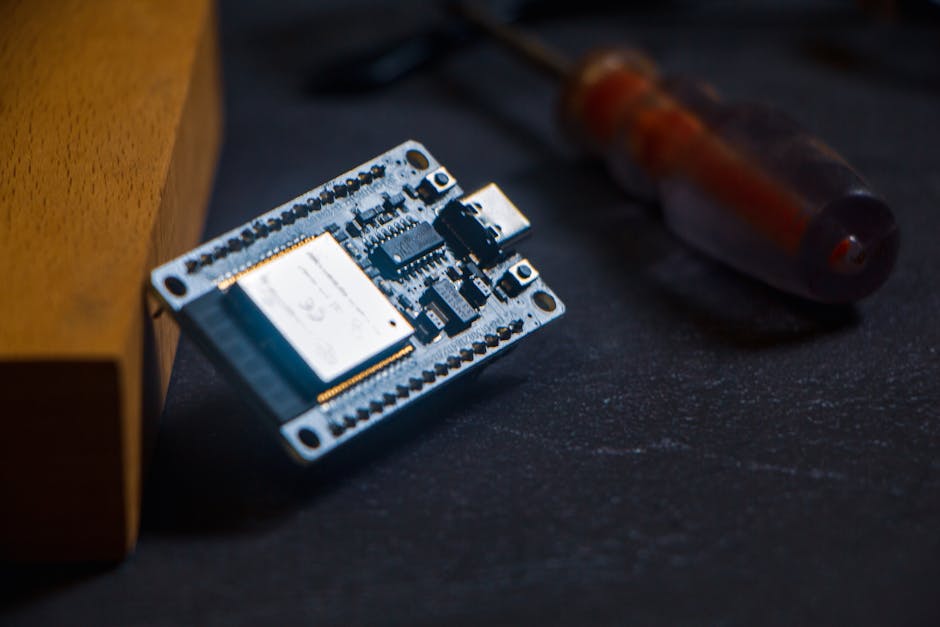
- Velxio 2.0: Browser Emulation for Arduino, ESP32 & Raspberry Pi 3
- Rapid Hardware Prototyping with Velxio 2.0 in Your Browser
- Test Arduino, ESP32 and Pi3 Firmware Without Hardware Using Velxio
Summary
Velxio 2.0 is a browser-based emulator that runs Arduino, ESP32, and Raspberry Pi 3 images so you can develop and test firmware and system images without immediate access to physical boards. Advantages:
- Fast iteration: compile locally with your toolchain and run immediately in the browser.
- Low cost: avoid buying hardware for early validation and CI tests.
- Safer debugging: inspect serial output, virtual peripherals and logs before flashing real devices.
This guide shows practical workflows, trade‑offs vs local emulators or real hardware, and actionable tips to integrate Velxio into a tinkerer's dev loop.
Quick start
- Compile your firmware/image with the normal toolchain (Arduino CLI, PlatformIO, ESP-IDF, or a Pi image builder).
- Open Velxio 2.0 in a modern Chromium-based or Firefox browser.
- Choose the target platform (Arduino, ESP32, Raspberry Pi 3) and load the compiled binary or disk image the emulator accepts (drag-and-drop or file dialog).
- Use the emulator's serial console, virtual GPIO panel, and available debugger UI to run and inspect behavior.
Velxio expects a compiled artifact. It is not a replacement for compilers or board-specific flashing tools.
Typical workflows
Arduino sketches
- Use arduino-cli or the Arduino IDE to compile for your board.
- Locate the output .hex or .bin in the build folder and load that into Velxio.
- Interact using the emulator's serial terminal to validate I/O timing, state machines and simple peripherals (sensors simulated by the UI or scriptable events).
Example (Arduino CLI):
arduino-cli compile --fqbn arduino:avr:uno /path/to/sketch
# find binary under /path/to/sketch/build
ESP32 projects
- Build with ESP-IDF or PlatformIO to produce a firmware.bin or .elf.
- Load the firmware into Velxio and use the serial console for log/console output.
- Test Wi‑Fi related code conceptually; network performance/stack differences vs real hardware can be significant.
Example (ESP-IDF):
cd my-esp-app
idf.py build
# firmware at build/your_project.bin
Raspberry Pi 3 images
- Use a prebuilt Raspbian/Ubuntu image or a custom image (e.g., via buildroot).
- Load the disk image into Velxio, boot, and use the browser console to access the Pi's serial/console and network emulation points.
- Good for testing boot sequences, kernel-userland interactions and headless services; GPU/accelerated graphics and some hardware peripherals will not be accurate.
Raspberry Pi 3 specifics
- Use minimal images for fastest boot and easier debugging (headless systemd-based images).
- Emulation will accurately exercise CPU and general Linux userland behaviors useful for service development, but avoid relying on hardware-specific peripherals (camera, GPU, specialized HATs).
- For kernel development, ensure you have kernel logs enabled and mountable kernels; debug symbols improve value but increase image size.
Alternatives and trade‑offs
- Local QEMU (native): more control, faster I/O on powerful machines, but requires installation and setup. Better for automated CI where you control the environment.
- Wokwi / Web-based microcontroller emulators: often focused on Arduino/ESP and have curated component libraries; better for education and pin-level visualization.
- Real hardware: ultimate truth for timing, analog behavior, wireless radios and thermal characteristics.
Trade-offs:
- Velxio: best for rapid iteration, cross-platform access, and demos. Less reliable for precise timing, analog peripherals, advanced radio stacks and GPU acceleration. Use it to validate logic, catches regressions early, and shorten dev cycles — not as final validation before production.
Minimal parts/tools list
- Modern browser (Chrome, Edge, Firefox) with WebAssembly support
- Arduino CLI or Arduino IDE for sketch compile
- ESP-IDF (or PlatformIO) for ESP32 builds
- Tool to build Pi images (Raspbian image, buildroot, or Yocto)
- Text editor / IDE (VS Code recommended) and source repo
- Optional: local hardware for final validation (UNO, ESP32 dev board, Raspberry Pi 3)
Example commands (patterns)
Arduino CLI:
arduino-cli compile --fqbn arduino:avr:uno /path/to/sketch
# copy build result to emulator
ESP-IDF:
idf.py build
# find build/firmware.bin and load into Velxio
Raspberry Pi (buildroot example):
make CROSS_COMPILE=arm-linux-gnueabihf- all
# use output rootfs and kernel to create img, then load into emulator
(Exact image creation varies; use your preferred Pi image builder.)
Tips, pitfalls, gotchas
- Tip: Keep builds minimal (strip debug symbols or use smaller images) to reduce upload/boot time in the browser.
- Gotcha: Timing and analog peripheral behavior are approximate — never ship without hardware tests.
- Tip: Use the emulator's serial console for deterministic logging and quicker bug isolation than stepping on hardware.
- Gotcha: Wi‑Fi, Bluetooth and other RF stacks may be partially simulated; test real radio behavior on a real device.
- Tip: Integrate Velxio in pre-commit/CI to run smoke tests on firmware artifacts if the platform supports headless runs or API upload.
Closing
Velxio 2.0 is a pragmatic middle ground: fast, accessible, and excellent for early-stage testing and demoing firmware or system images. Use it to accelerate iteration, catch obvious logic and boot issues, and reduce time spent on repetitive hardware flashing. Reserve final validation for real boards and RF or timing-sensitive tests.
Parts & Tools
- Arduino Uno R3
- ESP32 development board
- Raspberry Pi 3 Model B
- microSD card 32GB
- microSD card reader
- Raspberry Pi 3 power supply 5V 2.5A
- USB A to USB B cable
- USB A to micro USB cable
- USB A to USB C cable
- solderless breadboard kit
- jumper wire kit
- soldering iron kit
- USB TTL serial adapter FTDI CP2102
- digital multimeter
- USB logic analyzer
- Raspberry Pi camera module
- Raspberry Pi HAT